What Does VPN Mean? How It Works and Why People Use It
What Does VPN Mean?
VPN stands for Virtual Private Network.
In simple terms, a VPN is a service that creates a more private connection between your device and the internet. It sends your internet traffic through a separate server instead of connecting directly to websites.
Why does that matter?
When you visit a website without a VPN, the website can usually see your public IP address. This address can reveal an approximate idea of your location. Your internet provider can also see certain details about your internet connection.
When you use a VPN, websites see the IP address of the VPN server instead of your usual public IP address. The connection between your device and the VPN server is also encrypted.
Think of it like sending a letter through a private delivery service instead of handing it directly to the person receiving it. The route changes, and the connection has an extra layer of protection.
How Does a VPN Work?
You do not need to understand complicated networking terms to understand how a VPN works.
Imagine you are sitting at home and open a website.
Without a VPN, the connection usually looks like this:
Your Phone or Computer → Your Internet Provider → Website
The website receives your request and can see your public IP address.
With a VPN, the route changes:
Your Phone or Computer → VPN Server → Website
Here is what happens:
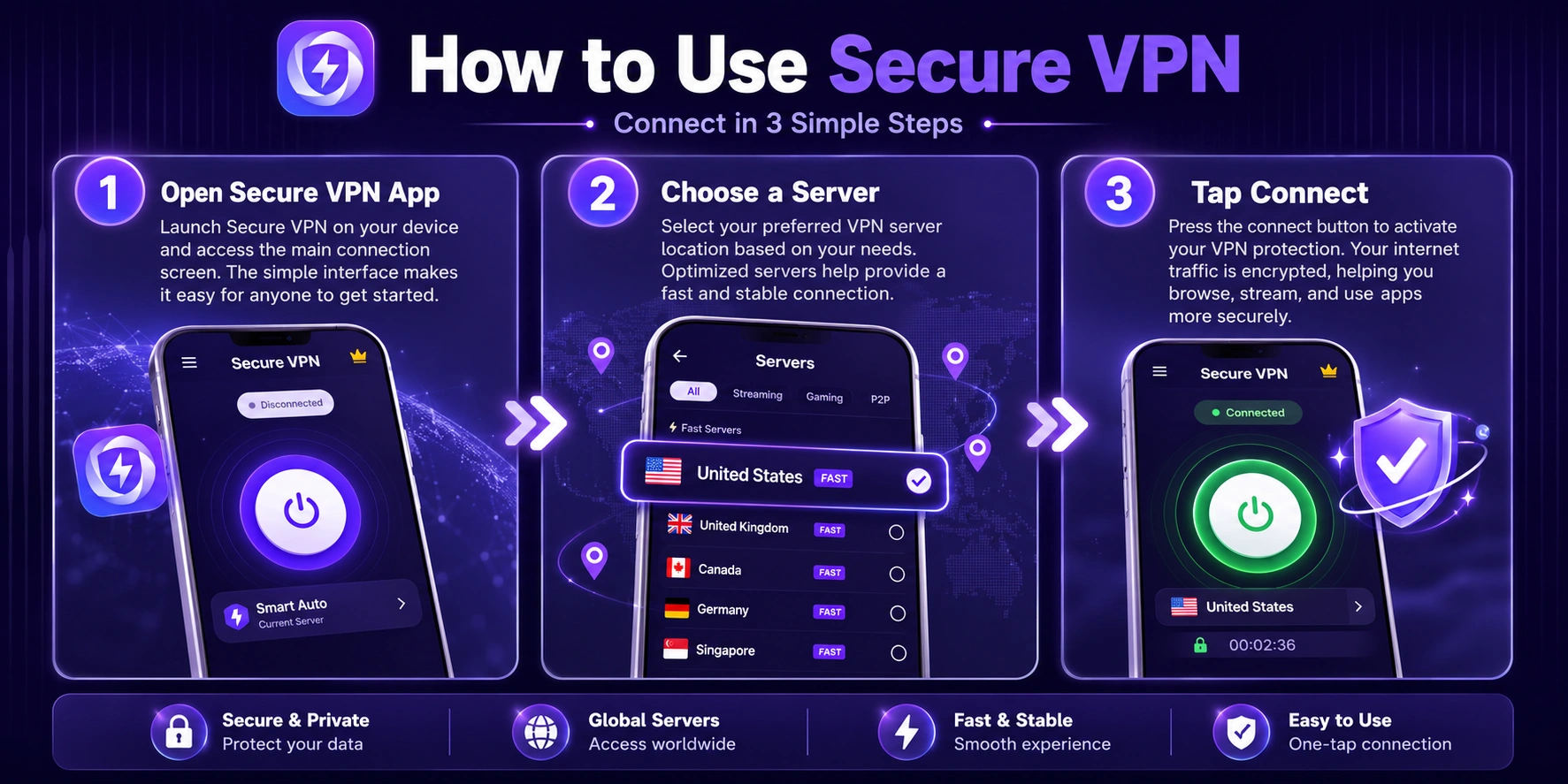
- You open a VPN app or turn on a browser's built-in VPN.
- Your device connects to a VPN server.
- Your internet traffic travels through an encrypted connection to that server.
- The VPN server forwards your request to the website.
- The website sees the VPN server's IP address rather than your usual public IP address.
For example, if you are in Singapore and connect to a VPN server in the United Kingdom, a website may see your connection as coming from the UK.
Your actual physical location has not changed. Only the location shown by your internet connection has changed.
Why Do People Use a VPN?
People use VPNs for different reasons. Some want more privacy, while others need to access websites when traveling or working remotely.
Here are some common situations.
Using Public Wi-Fi at a Cafe or Airport
Public Wi-Fi is convenient, but you do not always know how well the network is protected.
Imagine connecting your phone to free Wi-Fi at an airport while checking email or browsing the web.
A VPN adds an encrypted connection between your device and the VPN server. This can make it harder for someone on the same network to read your internet traffic.
You should still use HTTPS websites, avoid suspicious links, and never assume a VPN makes every public Wi-Fi network completely safe.
Protecting Your Browsing Privacy
Your internet provider can see certain information about your internet activity when you connect directly to websites.
A VPN changes what your provider can see. Instead of seeing the individual websites you visit through the VPN connection, your provider generally sees that you are connected to a VPN server.
Websites also see the VPN server's IP address rather than your normal public IP address.
This can be useful if you do not want your regular IP address exposed to every website you visit.
Accessing Websites While Traveling
Some websites and online services work differently depending on your location.
For example, you might travel to another country and find that a website displays different content or that a service is unavailable in that region.
A VPN lets you connect through a server in another location. The website may then see the VPN server's location.
However, this does not guarantee access. Some websites block VPN connections, and streaming platforms may have their own rules about location changes.
Working From Home
Many companies use VPNs to let employees connect to internal work systems from outside the office.
For example, an employee working from home may need to access company files, internal websites, or business applications.
A company VPN creates a protected connection to the organization's network.
This type of VPN is different from the personal VPN apps people use for everyday browsing.
Using the Internet on Different Networks
Some people use a VPN when switching between home Wi-Fi, mobile data, hotel networks, and public hotspots.
It provides a more consistent way to route their internet traffic through the same VPN service.
This can be useful for people who travel frequently or connect to unfamiliar networks.
Does a VPN Change Your IP Address?
Yes. When a VPN is connected properly, websites you visit usually see the IP address of the VPN server.
For example:
- Without a VPN: A website sees your normal public IP address.
- With a VPN connected to Japan: The website may see an IP address associated with the VPN server in Japan.
- With a VPN connected to Germany: The website may see an IP address associated with the German server.
You can check this yourself.
First, search Google for "What is my IP address" and note the location shown. Then connect to a VPN server in another country and check again.
If the connection is working, the displayed IP address and approximate location should usually change.
What Can a VPN Not Do?
A VPN is useful, but it is not a tool that solves every online security problem.
There are several things it cannot guarantee.
It does not make you completely anonymous. Websites can still recognize you through cookies, browser information, and accounts you sign into.
It does not automatically block viruses. You can still download malicious files or visit dangerous websites while using a VPN.
It does not hide everything from the VPN provider. The provider handles your VPN connection, so you should check its privacy policy and logging practices.
It does not protect every app when it is only a browser VPN. Some browsers have built-in VPN or proxy features that only cover activity inside that browser.
Understanding these limits helps you choose the right tool for your needs.
VPN vs Proxy: What Is the Difference?
VPNs and proxies can both change the IP address that a website sees, but they are not exactly the same.
A proxy acts as an intermediary between your device and a website. Depending on the type of proxy, it may not encrypt your connection.
A VPN creates an encrypted connection between your device and the VPN server. A device-wide VPN app can route traffic from multiple apps through that connection.
There is also an important difference between a browser proxy and a full-device VPN.
If you use a VPN feature built into a browser, it may only cover browsing activity inside that browser. Other apps on your phone or computer may continue using your normal internet connection.
Do You Need a VPN?
Whether you need a VPN depends on how you use the internet.
You may find one useful if you:
- Frequently connect to public Wi-Fi.
- Travel and need to connect through different regions.
- Want websites to see a VPN server's IP address instead of your normal public IP.
- Need to connect securely to a company or school network.
- Prefer an additional privacy layer when browsing.
If you only browse a few trusted websites at home, you may not need to keep a VPN connected all the time.
The important thing is to choose a trustworthy service and understand what it actually protects. A VPN can improve your online privacy, but it should be used alongside other basic habits, such as keeping your software updated and avoiding suspicious downloads.