Download the macOS VPN
Click the Download VPN for Mac button above to get the available Mac version.
A simple, privacy-focused VPN for Mac
Connect your Mac to a secure VPN connection and browse the internet with greater privacy. VPN Free provides an easy way to use a VPN on macOS without complicated setup.
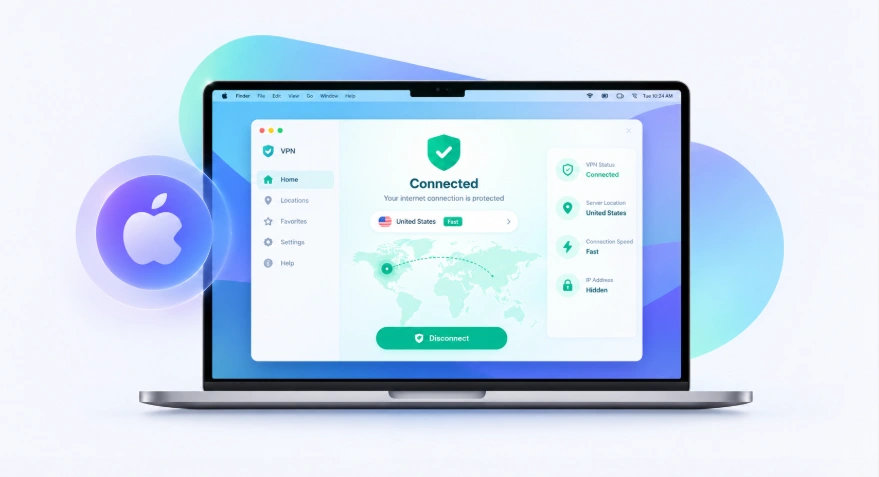
Looking for a secure VPN for your Mac? VPN Free offers a straightforward VPN experience designed for macOS users.
Whether you're using your Mac at home, at work, or on public Wi-Fi, a VPN can help protect your connection by encrypting your internet traffic and masking your IP address.
Download the VPN app for macOS and follow a few simple steps to get connected.
Using a VPN on your Mac can be useful when you connect to unfamiliar networks or want more privacy while browsing.
A VPN encrypts traffic between your Mac and the VPN server, helping reduce the exposure of your internet activity on unsecured networks.
Your regular IP address can reveal information about your network connection. A VPN replaces it with the address of the VPN server while you're connected.
VPN Free is designed with privacy in mind, giving Mac users another layer of protection for everyday internet use.
Coffee shops, airports, hotels, and other public locations often provide shared Wi-Fi. A VPN can add an additional layer of protection when using these networks.
| Feature | Details |
|---|---|
| macOS Support | Designed for Mac computers |
| Secure Connection | Encrypts your VPN connection |
| Privacy Protection | Helps hide your IP address |
| Simple Setup | Easy installation and connection |
| Free VPN | Use the VPN without a paid subscription |
| Multiple Locations | Connect through available VPN servers |
| No Complicated Settings | Connect with a simple interface |
Getting started doesn't require complicated configuration.
Click the Download VPN for Mac button above to get the available Mac version.
Open the downloaded installer and follow the installation instructions on your Mac.
After installation, open the VPN application from your Applications folder.
Select an available VPN location based on your connection needs.
Click the connect button and wait for the VPN connection to become active.
Once connected, your Mac will use the VPN connection for supported internet traffic.
Yes. VPN Free provides a dedicated experience for macOS users, allowing you to connect your Mac through a VPN without manually configuring a third-party VPN service.
The Mac version is intended to keep the setup process simple while providing the core privacy and connection features users expect from a VPN.
A browser extension and a system-level VPN don't work in exactly the same way.
A browser VPN generally protects traffic from the supported browser, while a VPN application for macOS can provide VPN protection for network traffic from other applications as well.
If you regularly use different browsers, desktop applications, or other internet-connected software on your Mac, a dedicated macOS VPN can be more convenient.
A VPN can be useful in several everyday situations:
VPN Free is designed to make these situations easier without requiring users to work through complicated VPN configurations.
From smartphones to desktop computers, Secure VPN is designed to work on the devices you use every day. Install the app, connect to a server, and enjoy a faster, more private browsing experience wherever you go.
VPN Free is designed to provide a free VPN option for Mac users. Available features and server options may depend on the current service configuration.
Download the macOS VPN application, open the installer, complete the installation, and launch the application. You can then select a server and connect.
A VPN can encrypt your VPN connection and help protect your internet traffic while connected. It does not replace antivirus software or other security protections.
Yes. Using a VPN on public Wi-Fi can add an additional layer of protection by encrypting your connection.
No. A dedicated VPN application can make connecting much easier than manually configuring VPN settings.